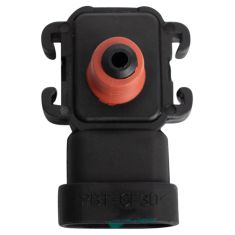
Replaces


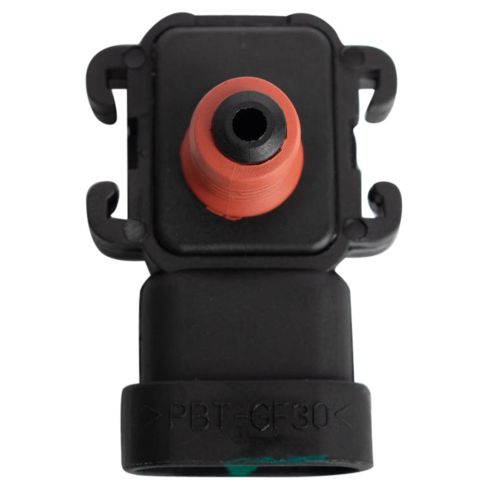


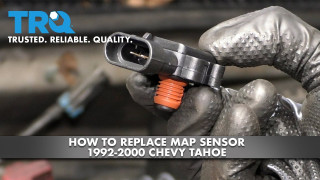
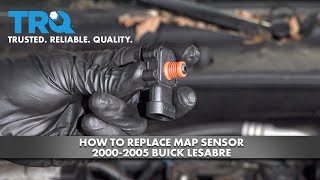
Part Details
About TRQ:
TRQ is a trusted brand dedicated to making every repair a success story by combining premium parts with easy installation. Each TRQ part is engineered by a team of automotive experts to meet or exceed OEM standards, delivering enhanced performance and maximum longevity. With rigorous in-house testing, the brand ensures superior fit and function across every product line. TRQ also provides customers with best-in-class, step-by-step installation videos—so you can complete repairs with confidence, whether you're a first-time DIYer or an industry professional.
Returns: Parts with electrical components cannot be returned once installed.
Attention California Customers:
 WARNING: This product can expose you to chemicals including Lead and Lead Compounds, which are known to the State of California to cause cancer, and birth defects or other reproductive harm. For more information, go to www.P65Warnings.ca.gov.
Lifetime Warranty
This item is backed by our limited lifetime warranty. In the event that this item should fail due to manufacturing defects during intended use, we will replace the part free of charge. This warranty covers the cost of the part only.
Returns: Parts with electrical components cannot be returned once installed.
FREE Shipping is standard on Orders shipped to the lower 48 States (Contiguous United States). Standard shipping charges apply to Hawaii, Alaska and US Territories. Shipping is not available to Canada.
Expedited is available on checkout to the United States, excluding Alaska, Hawaii and US Territories as well as P.O. Boxes and APO/FPO/DPO addresses. Final shipping costs are available at checkout.
Created on:
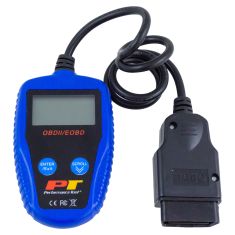
Tools used
Brought to you by 1AAuto.com, your source for quality replacement parts and the best service on the Internet.
Hi, I'm Don from 1A Auto. I hope this how-to video helps you out, and the next time you need a part for your vehicle, think of 1AAuto.com. Thanks.
In this video, we're going to show you how to replace the MAP sensor on this 1996 Chevy Tahoe with the 5.7 Liter V8 Engine. It's the same part and process on these Tahoes from 1996 to 2008. The items you'll need include a new MAP sensor from 1AAuto.com and a flat blade screwdriver.
First, you want to remove this hose. Then loosen up this hose clamp with your flat blade screwdriver. Then you want to loosen this thumb screw right here. Now pull this intake hose free, and then lift the box up and out.
Now your MAP sensor is located right here under this cluster of harnesses. You just want to use your flat blade screwdriver to pry it up and out. Then just pull it out. Pull back on the tab on the harness and pull the harness free.
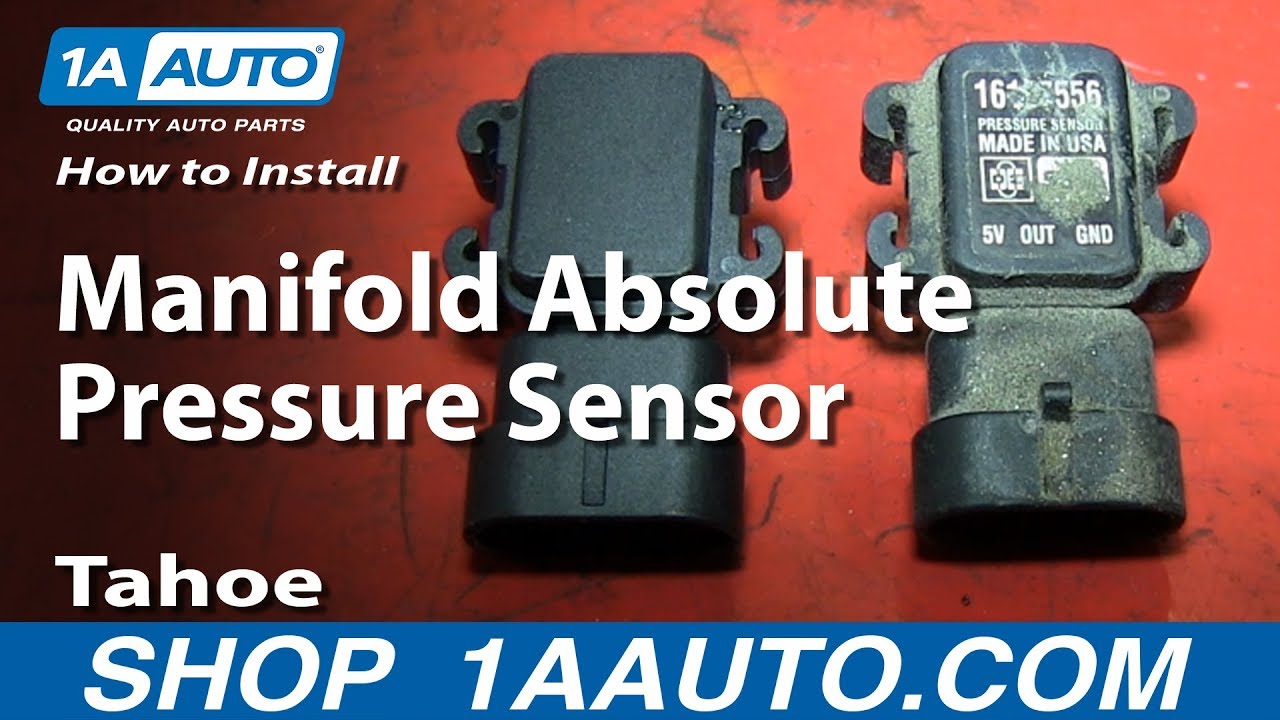
On the right is the old MAP sensor; on the left is the new one from 1A Auto. You can see they're identical, and they're going to mount exactly the same. Take your new MAP sensor and plug the harness into it. Then feed it underneath that cluster of harnesses and push it down into place. You can use your flat blade screwdriver to help you push it down all the way. You want to make sure that it is all the way down in there.
Then line up this box and put that screw back down into place. Reconnect your intake hose. Now you want to just pry these clips back so that they latch on. Do the same to the one on the other side. Make sure everything's in place, then just start tightening up that thumb screw. Now tighten up that hose clamp, reconnect the smaller hose, and you're all set.
We hope this video helps you out. Brought to you by www.1AAuto.com, your source for quality replacement parts and the best service on the Internet. Please feel free to call us toll-free, 888-844-3393. We're the company that's here for you on the Internet and in person.
Tools used
Brought to you by 1AAuto.com, your source for quality replacement parts and the best service on the Internet.
Hi, I'm Mike from 1A Auto. I hope this how-to video helps you out, and next time you need parts for your vehicle, think of 1AAuto.com. Thanks.
In this video, we're going to show you how to replace the MAP sensor on this 2005 GMC Savana 2500 with the 6 liter V8 engine. The only tools that you'll need are a 10mm socket and ratchet.
To start it off, go to the driver side of the vehicle, and you'll see there is a panel right here and you're going to want to remove these two 10mm bolts that secure that panel, and also you'll see that there is a latch back here. Pull that back towards you, and it should unhook that clip there and then you just want to remove those bolts. We'll just fast forward as he does this. Now with the bolts removed, you can just pull on that panel. Just reach underneath it and pull it out. Be careful not to pull out the panels above it. Now, on the other side, again, there are two more 10mm bolts securing the panel. You want to just remove these two 10mm bolts and also, like on the other side, you want to pull back this clip and unlatch that. We'll fast forward as he removes these two 10mm bolts. Now, you just want to pry this panel off. It'll pry off pretty easily.
Now in the center of the center console underneath, there are two more of these latch clips, and what you want to do is you want to just push up on the clips and free them, and then once you have these unlatched, just lift up and pull forward. It'll pull right out. Now, to make more room for yourself, the engine is behind this panel, so what you can do is you can see you can't come out of this vehicle; the seats are in the way. The seats are only a few bolts if you want to remove them, but if you just want a little bit more room to save time, what you can do is you can just remove this. You see these four 10mm bolts inside this panel, you just want to remove those. With those bolts out, you can now pull that panel up and off, and remove that little top piece, and now with the overall access panel being shorter, you can push it under the dash.
We're just going to show you where the MAP sensor is. You can see it; it's right here at the top part on the back half of the engine. To remove this all you have to do is disconnect the connector and then there's tabs on either side that you just want to push those apart and pull the sensor up and out. You just want to move it back and forth. It will come out.
Now to reinstall, you just push it right back down in and reconnect your connector.
So, to put the panel back together, what you want to do is you put that top piece on and line up the access panel, and you just want to keep pushing it back into place, and what you'll see is you'll see those clips have to line up. There are hooks on the van, on the floor of the van that you need to line the latch hooks up with. Once you have it lined up, you just want to start connecting all those latches. So, just hook on to the hook. Pull the tab and lock it, and you want to do that with all four of them. Now, you can replace the cup holder panel, so put it into place and place those four 10mm bolts. It helps if you do it by hand. You can hold onto it, line up all the bolts. Just start it out by hand and then we'll fast forward as he uses the ratchet to tighten them the rest of the way. Now, you can put on that little panel right there. It just clips into place. Now, replace the panel underneath the driver side. Just push all the clips in. You should hear them snap, and then you just want to replace those two 10mm bolts, and we'll fast forward as he does this. Now, you just want to push that panel into place. On the passenger side, you just want to line up the clips, push it in, and then replace these two 10mm bolts, and then you're all set.
We hope this video helps you out. Brought to you by www.1AAuto.com, your source for quality replacement parts and the best service on the Internet. Please feel free to call us toll-free, 888-844-3393. We're the company that's here for you on the Internet and in person.

ESA94888